An elbow map, not a feature count
My starting point is deliberately modest: record where your elbows naturally arrive, then ask whether a chair can place its pads there without forcing the shoulders to bargain. Readers who still need a market overview can consult this current office-chair review focused on four-direction armrests; here, the narrower job is learning how to interrogate the mechanism behind that label. A specification can name four motions while the usable settings remain cramped, coupled together, or poorly spaced.
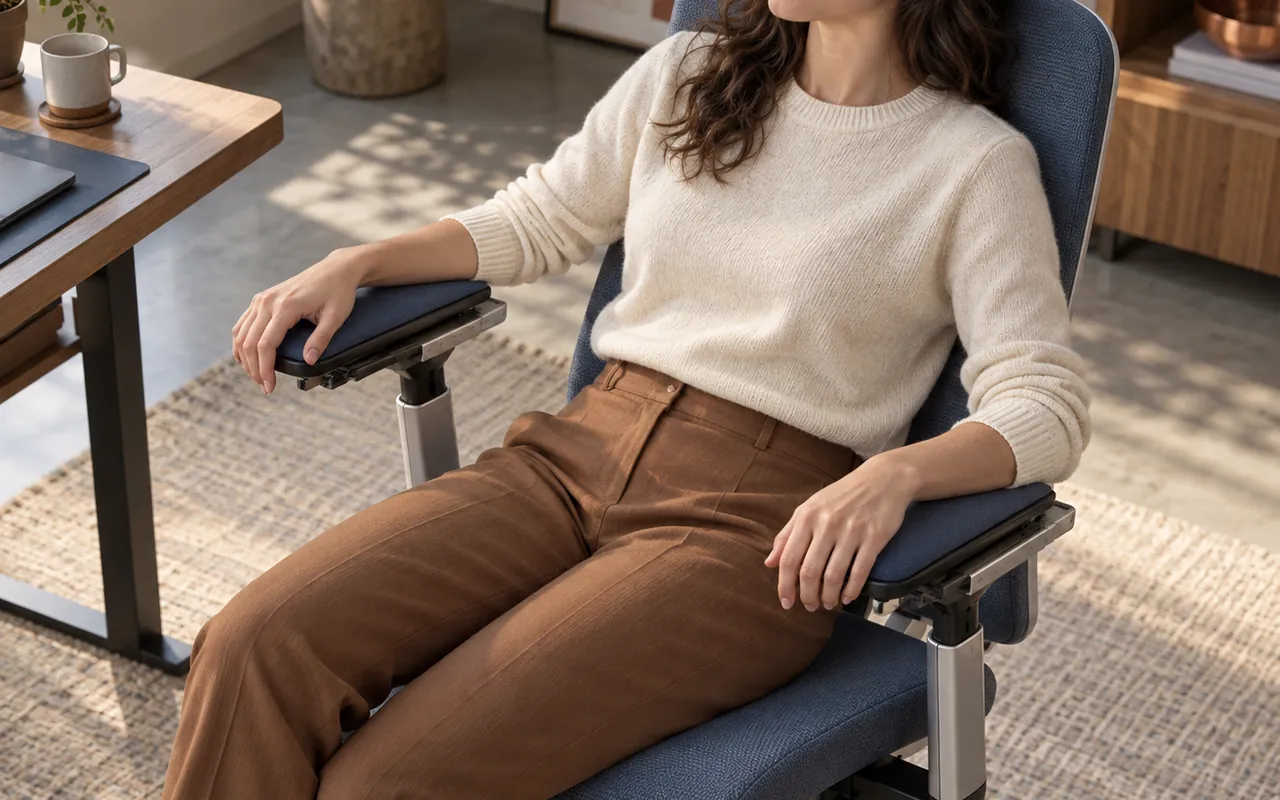
Sit with feet supported and let both hands hover over the tools you use most. The upper arms should hang instead of reaching sideways. Notice the empty air beneath each forearm before raising any pad. That gap is more informative than a dramatic travel number because it belongs to your desk height, torso, shoulder breadth, and typing habit. I call this starting gap the quiet interval. It becomes the origin for every later adjustment.
Do not freeze the body into a showroom pose. Move from typing to pointing, reading, and a brief recline while watching where the elbows drift. A sound candidate follows those ordinary migrations with small corrections. A weak candidate supports one staged posture and obstructs the next. The useful question is therefore not whether an armrest moves four ways, but whether its reachable zone surrounds the work you genuinely perform.
Give the four motions separate coordinates
Height is the vertical coordinate. It closes the quiet interval without shrugging a shoulder or levering the wrist upward. The control should offer increments fine enough to stop near the elbow rather than jumping past it. Check both sides independently; people, desks, and input devices are rarely perfectly symmetrical. If the lowest setting strikes the desk apron, that apparent range includes positions you cannot use.
Width is lateral travel toward or away from the torso. Some makers move the entire post at its mounting bracket, while others slide only the top assembly. These designs feel different because one changes the support line and the other shifts pressure across the pad. Track the elbow, not the outer edge of the upholstery. A wide seat with inward-traveling pads can suit a narrow shoulder span better than a narrow seat whose posts remain fixed.
Depth is fore-aft travel. Sliding a pad forward can catch the forearm during mousing; drawing it back can clear the desk during close typing. Rotation is the angular coordinate, allowing the pad nose to aim inward, outward, or straight ahead. Depth and angle often share one friction plate, so manipulate them separately. If twisting also drags the pad forward, the controls are coupled and the advertised dimensions exaggerate independent choice.
| Coordinate | Useful observation | Warning sign |
|---|---|---|
| Height | Elbow settles without shoulder lift | Large notches skip the needed level |
| Width | Post or pad reaches beneath the arm | Seat edge blocks inward travel |
| Depth | Support follows typing and pointing | Pad collides with desktop |
| Angle | Pivot aims along the forearm | Loose swivel wanders under pressure |
Read the usable range around a neutral pose
Total travel is less useful than travel on both sides of a comfortable center. Imagine a coordinate cross drawn through the middle of the pad. A range that extends far outward but barely inward may look generous while missing your elbow. Likewise, a long forward slide cannot compensate for a post mounted too far behind the shoulder. Mark the neutral pose first, then note remaining movement in every direction.
A tape measure helps, but use stable landmarks. Measure pad height from the compressed seat surface, not from the floor; record inward distance from the seat centerline, not from a sculpted plastic edge; and measure fore-aft position against the backrest plane. For rotation, a simple paper angle guide is enough. Precision to the millimeter is false confidence because upholstery compression and seated posture introduce larger variation.
Keep a small tolerance band around every target. Clothing thickness, fatigue, a different keyboard, or an afternoon recline can shift the preferred point. A chair that only reaches the exact morning coordinate has no reserve. I prefer visible spare travel in opposite directions: one or two height stops above and below, some lateral room toward and away from the body, and enough depth to clear the desk as well as support pointing work.
- Record the neutral coordinate before exploring extremes.
- Separate total advertised travel from reachable travel beside your desk.
- Leave reserve for clothing, task changes, and natural asymmetry.
- Repeat the map with the backrest upright and gently reclined.
Reject coupled motion disguised as choice
Independent axes matter because work changes one demand at a time. Moving closer to a keyboard may require the pads to slide backward without widening. Switching to a mouse may need one pad forward while height stays fixed. When a single loose plate allows every direction at once, each correction can destroy a setting that was already right. Freedom without control becomes drift.
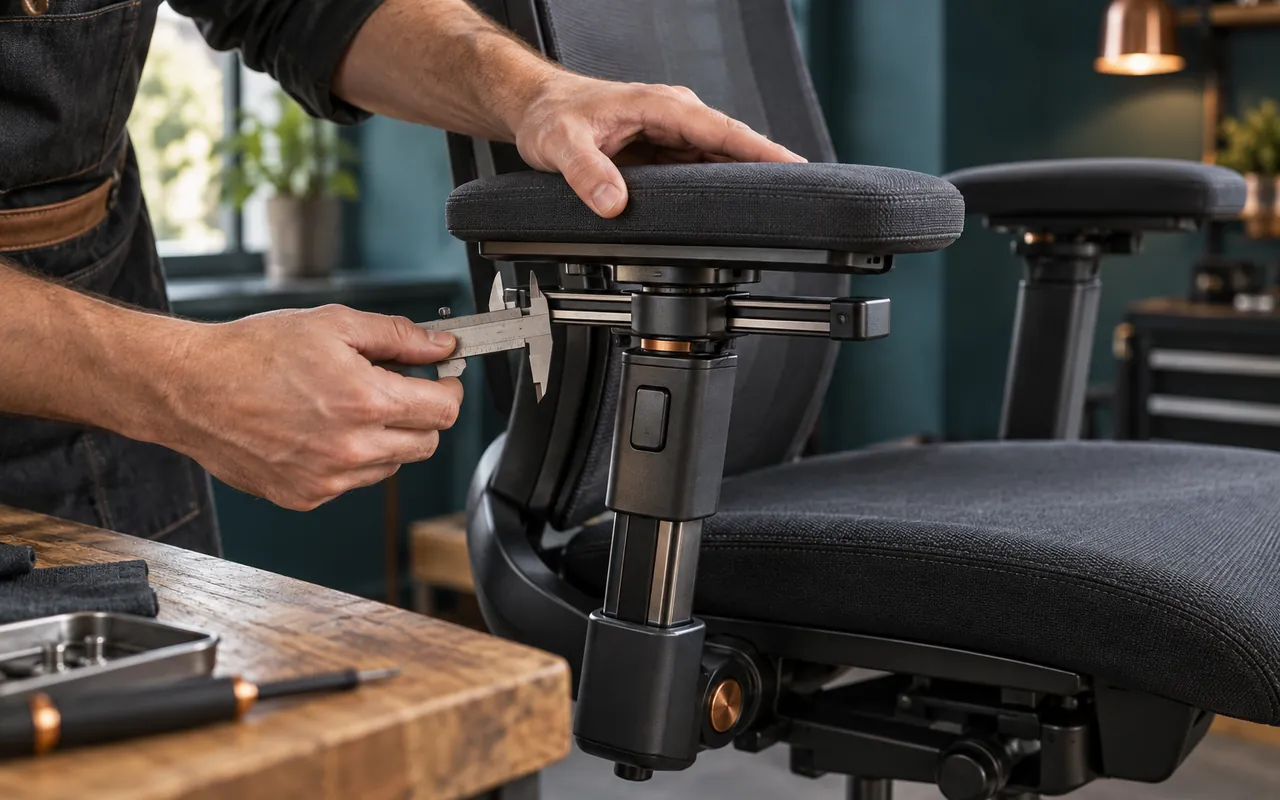
Look beneath the pad for mechanical clues. A telescoping column indicates vertical travel. Parallel rails suggest a fore-aft slide. A transverse carrier or slotted mounting plate can provide lateral movement. A central detent ring or friction pivot enables angle changes. These components need not be exposed, yet the control path should make sense. Decorative seams, oversized housings, and extra buttons are not proof of independent motion.
Use one hand to stabilize the post while the other moves the pad. Apply only the kind of pressure a resting forearm would create. You are not conducting a durability test; you are observing whether one coordinate holds while another changes. Listen for a clean detent and watch the gap between moving layers. Grinding, diagonal skew, sudden release, or a top that rocks before sliding all deserve a written question before purchase.
Match the pad to tasks that actually move
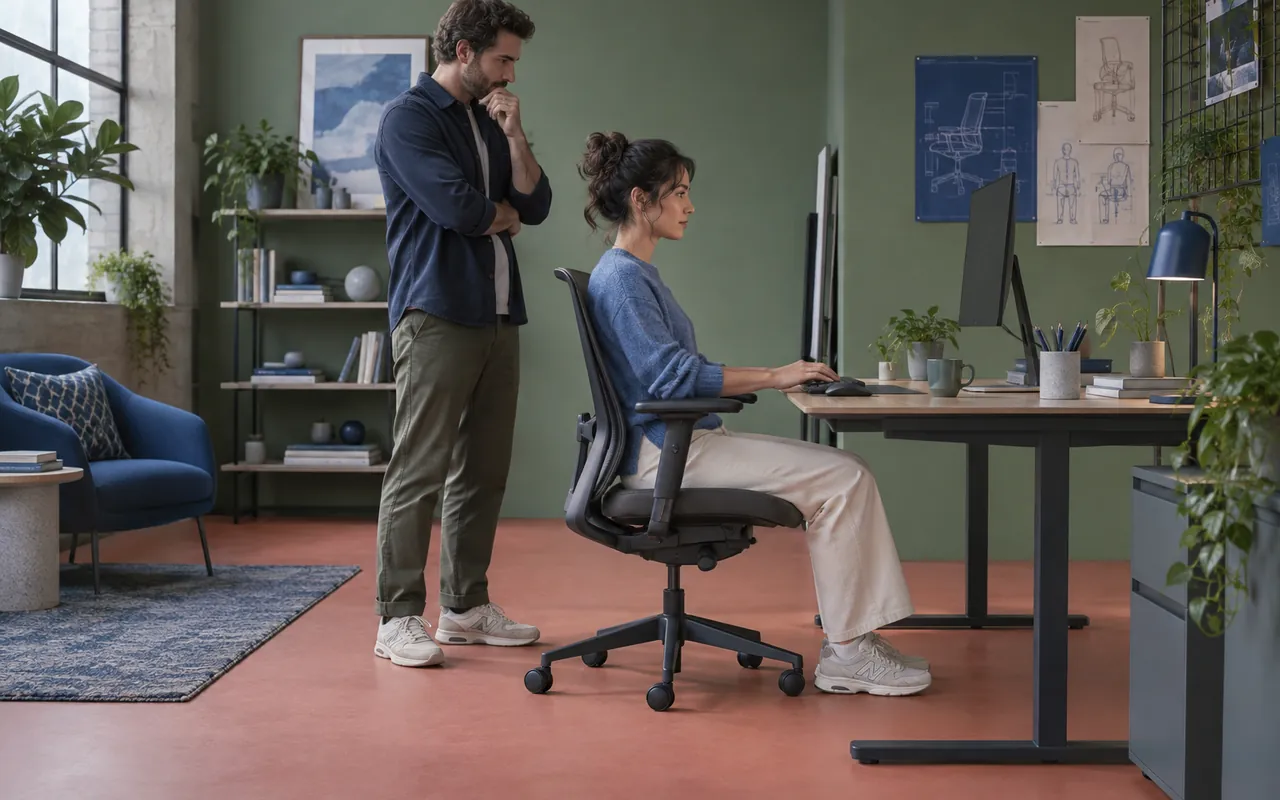
Typing usually needs the arms near the torso and the pad slightly behind the wrist line. Pointing shifts one forearm outward and forward, especially with a large mouse surface. Reading can bring both elbows back; reclining moves the shoulder joint behind the desk. Instead of searching for one perfect setting, choose two or three recurring task stations and confirm that the pads can travel between them without striking the furniture.
Pad length influences the map. A long cushion may bridge several forearm positions without sliding, yet its nose can hit a desktop sooner. A short pad clears obstacles but demands more accurate depth adjustment. Surface shape matters too: pronounced side lips can trap the arm when the pad rotates. A softly crowned top generally tolerates angle changes better because pressure does not concentrate along a molded ridge.
Pressure should remain distributed under the fleshy forearm, never under the elbow tip or along the wrist. Raise the chair for desk clearance before using armrests to lift the body. If desk height forces the shoulders upward, an armrest cannot repair that mismatch. It may instead hide the cause by giving the user somewhere to brace. Coordinate mapping works only after feet, seat, and work surface form a plausible base.
A useful rehearsal takes less than a minute: type a sentence, point to all screen corners, lean back to read, return upright, then leave the chair. Watch for collisions and involuntary shoulder motion. The sequence converts an abstract feature list into a compact route through actual work. It also reveals whether adjustments are reachable while seated or require standing and searching beneath the pad.
Build a shortlist without model theater
I avoid pretending that a universal winner exists. Body dimensions, desk geometry, clothing, handedness, and tolerance for detents all change the result. Instead, score evidence. A candidate with modest published range but a centered, stable mechanism may outrank one with spectacular figures and poorly placed posts. The scorecard below rewards usable coordinates, returnability, and clearance rather than feature volume.
- Fit first: can both elbows land inside the motion envelope?
- Independence second: does each coordinate move without dragging another?
- Returnability third: can a useful setting be found again?
- Clearance fourth: do the pads avoid desk, clothing, and seat controls?
- Quietness last: is normal movement free from distracting rattle?
Record failures as boundaries rather than vague dislike. “Lowest pad remains 24 millimeters above my relaxed elbow” is actionable. “Armrest feels awkward” is not. A boundary tells you whether another desk, different seat height, or alternative mechanism could solve the conflict. It also prevents attractive upholstery or a generous return policy from eclipsing a fundamental geometric miss.
When shopping remotely, ask for a photograph of the armrest at minimum and maximum inward positions beside a ruler, plus an underside view of the carrier. Request whether depth and angle have detents, and whether width adjustment requires tools. These are ordinary compatibility questions, not demands for laboratory data. An evasive answer belongs in the uncertainty column of the scorecard.
Thresholds for a calm final decision
Set rejection thresholds before comparing prices. Examples include a pad that cannot descend below the relaxed elbow, posts that remain outside shoulder width, forward travel that blocks desk approach, or a swivel that will not hold during a mouse stroke. Prewritten thresholds protect the decision from marketing language and from the temptation to rationalize a visibly wrong fit.
Then identify preferences that can trade against one another. You may accept fewer angle detents for a softer surface, or a tool-adjusted post width for better stability. Keep these below the hard boundaries. A preference is negotiable; a failed coordinate is not. This distinction also makes a return decision easier because the reason is tied to the map rather than to a changing mood.
Coordinate decision check
- Neutral elbows fall inside the four-axis envelope.
- Every control can be reached and understood without guesswork.
- Useful settings remain stable under ordinary forearm weight.
- The desk is approachable in upright and reading postures.
- At least two task stations can be repeated without a hunt.
- No hard edge presses the elbow tip, wrist, or clothing seam.
Finally, preserve the notes rather than the chair photographs. Images invite aesthetic comparison; coordinates reveal compatibility. A short page containing landmarks, boundaries, and uncertainties can be carried into a store or used to evaluate a detailed listing. It turns a noisy category into a finite geometry problem whose assumptions remain visible.
Carry the map into a showroom
Begin with your quiet interval, set the seat for the desk, and adjust only height. Add width after the shoulders relax, then depth as you move between typing and pointing. Use angle last to align the pad with the forearm. This order is not sacred, but it keeps four controls from becoming one confusing gesture and makes the source of each improvement easier to notice.
Write down one sentence after every coordinate. Describe what changed in the body, not what the mechanism looked like. “Right shoulder stopped hovering when the pad moved inward” carries more decision value than “width adjustment worked well.” If an axis produces no useful change, record that too. Unused travel should not earn credit simply because it exists.
The result is a chair decision grounded in reachable support rather than a label. Four-dimensional armrests can be genuinely helpful when their envelope surrounds the user's ordinary movements. They are also easy to oversell because four directions sound complete. Mapping exposes the difference: the right mechanism meets the elbow where work takes it, clears the room around it, and returns there without drama.